UK estate agents and letting agents who photograph their own listings and publish to portals.
How it works
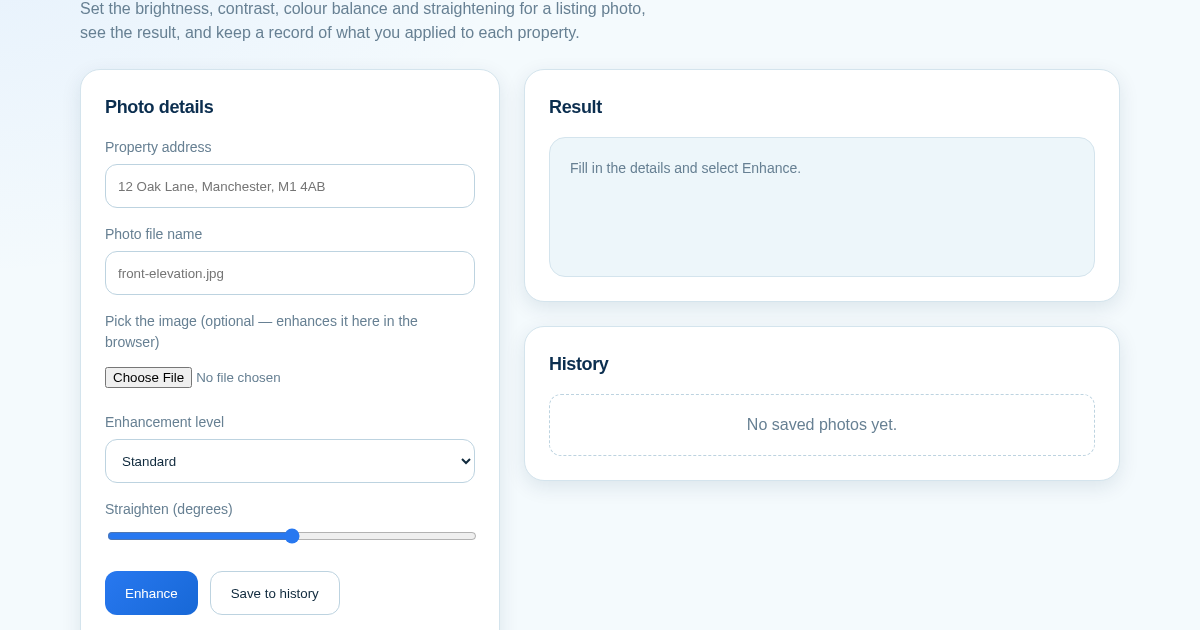
- Enter the property address and the photo file name.
- Optionally pick the image file — the adjustment is applied here in your browser.
- Choose Light, Standard or Strong, and straighten by up to 10 degrees.
- Save it so you have a record of the settings used for each property.
What you gain
- Automatically corrects lighting, colour and perspective on property photos and shows a before/after comparison per listing, so crooked or dim photos don't cost you viewings.
Screenshot
Technical details
How to set up & use
- Buy the license — your key (lic_...) appears on the order page and in your email.
- Sign in at app.synoriaai.com with your license key.
- No installation — the product runs in your browser, on your own isolated instance.
- Enter the property address for the photo you want to enhance
- Upload the property photo
- Choose an enhancement strength: Light, Standard or Strong
- Click Enhance Photo to see the before/after result
- Save it to your history and download the enhanced photo anytime
Frequently asked questions
Does this store my original photos?
Yes, the enhanced photo and its property address are saved on the server so you can find and download it later. Nothing is shared with third parties.
Will this fix a badly tilted or wide-angle photo?
It corrects brightness, colour and basic tilt, but it is not a full lens-distortion correction tool for heavily warped wide-angle shots.
Do I need any editing experience?
No, the enhancement is fully automatic - you just upload a photo and pick a strength level.
Related products
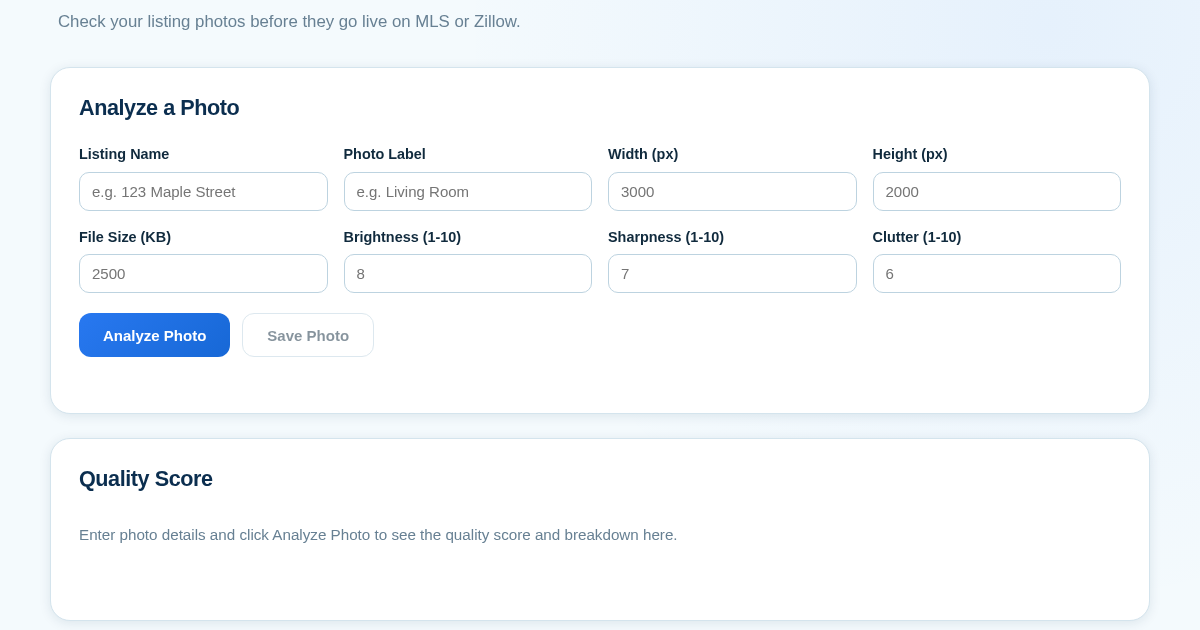
ListingPhotoScore - Know Before You Publish
Real estate agents often publish listing photos that are too dark, blurry, or cluttered, which can hurt a property's appeal on MLS or Zillow. This tool lets agents manually score each photo on brightness, sharpness,…
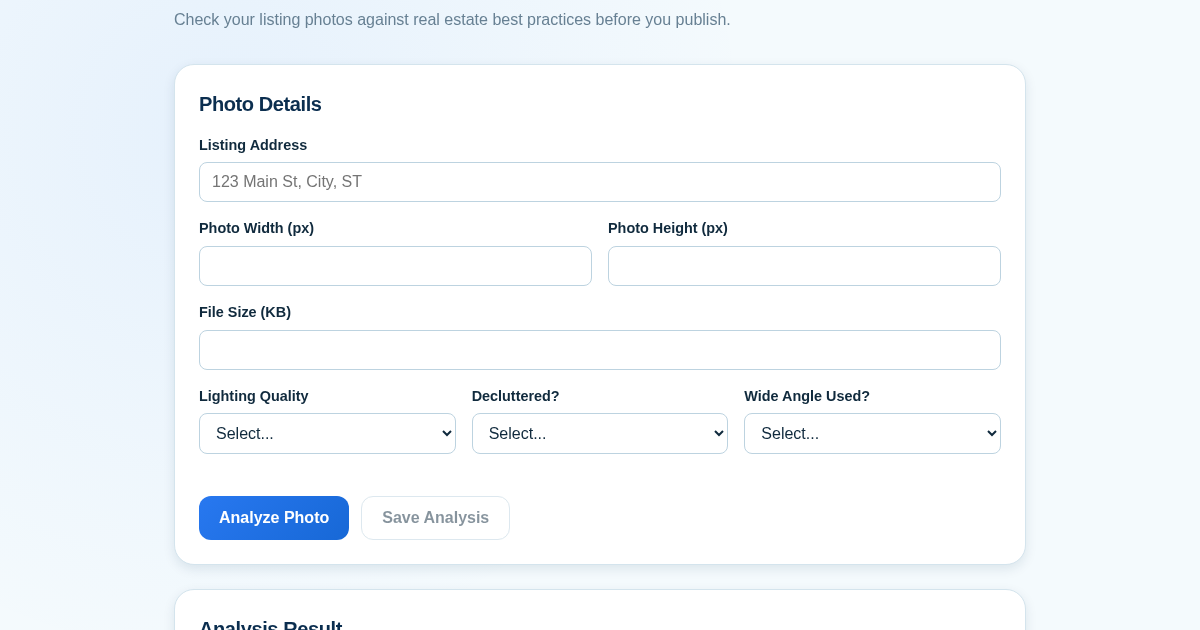
Listing Photo Score Checklist
Real estate agents often publish listing photos that are too dark, cluttered, or low-resolution, which can hurt a property's appeal. This tool provides a quick quality check before photos go live on MLS or Zillow. It…
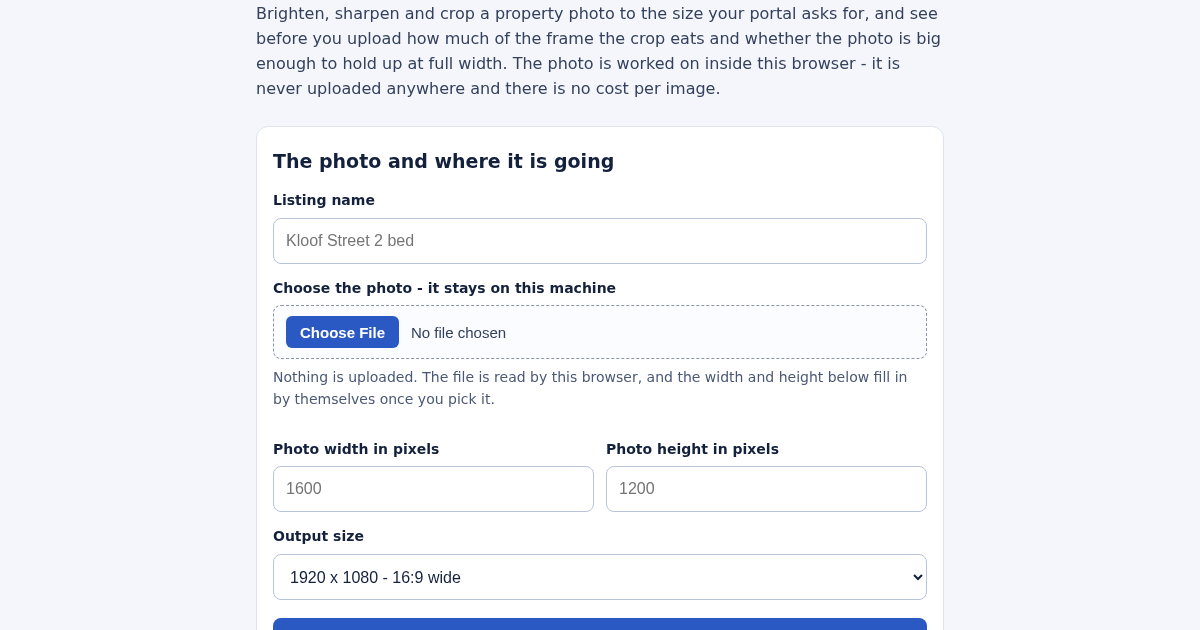
Listing Photo Enhancer for South African Property Listings
Brighten, sharpen and crop a property photo to the size your portal asks for, and see before you upload how much of the frame the crop removes and whether the photo is large enough to hold up at full width. Auto levels…